New
Automation improvements
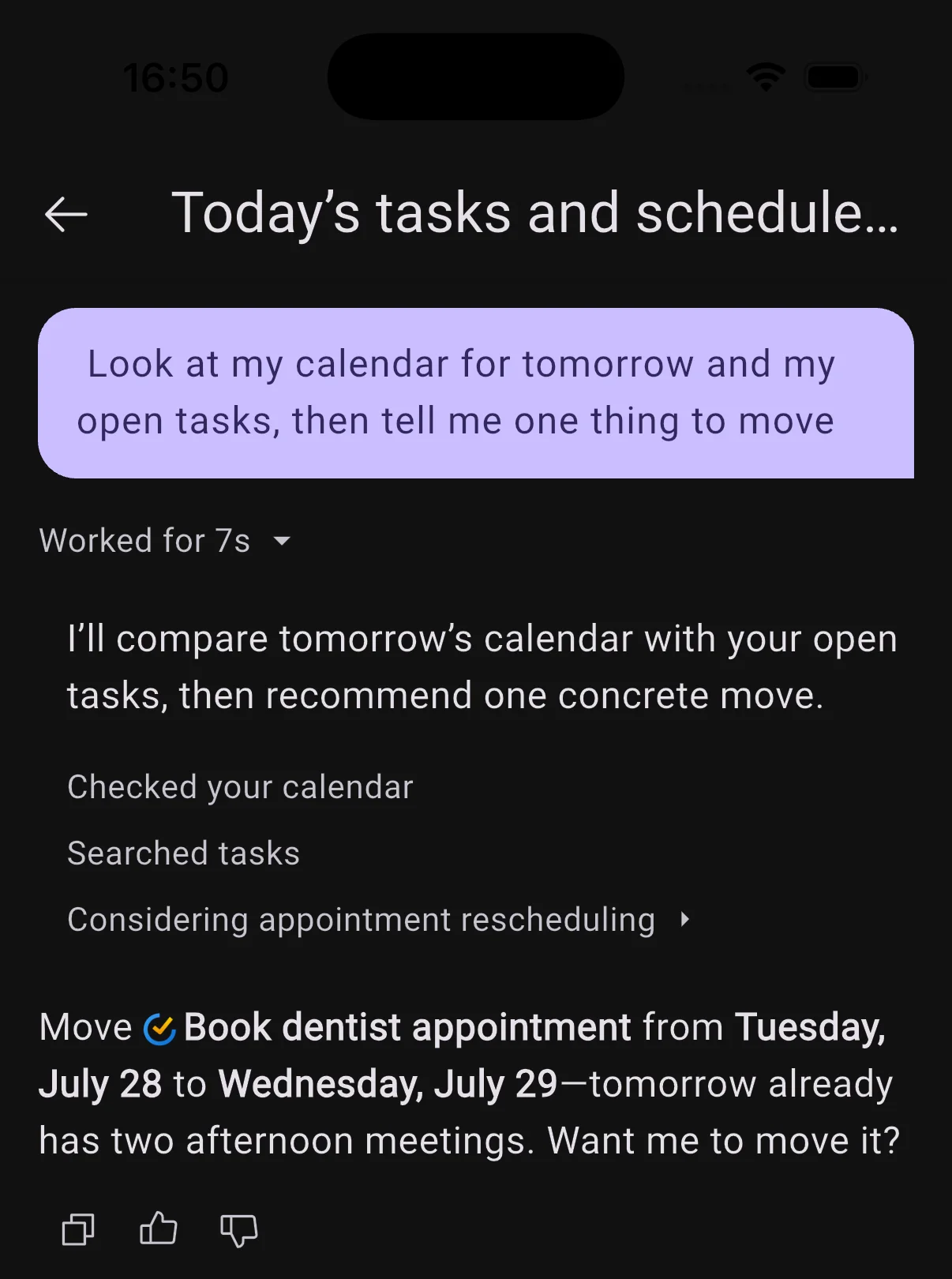
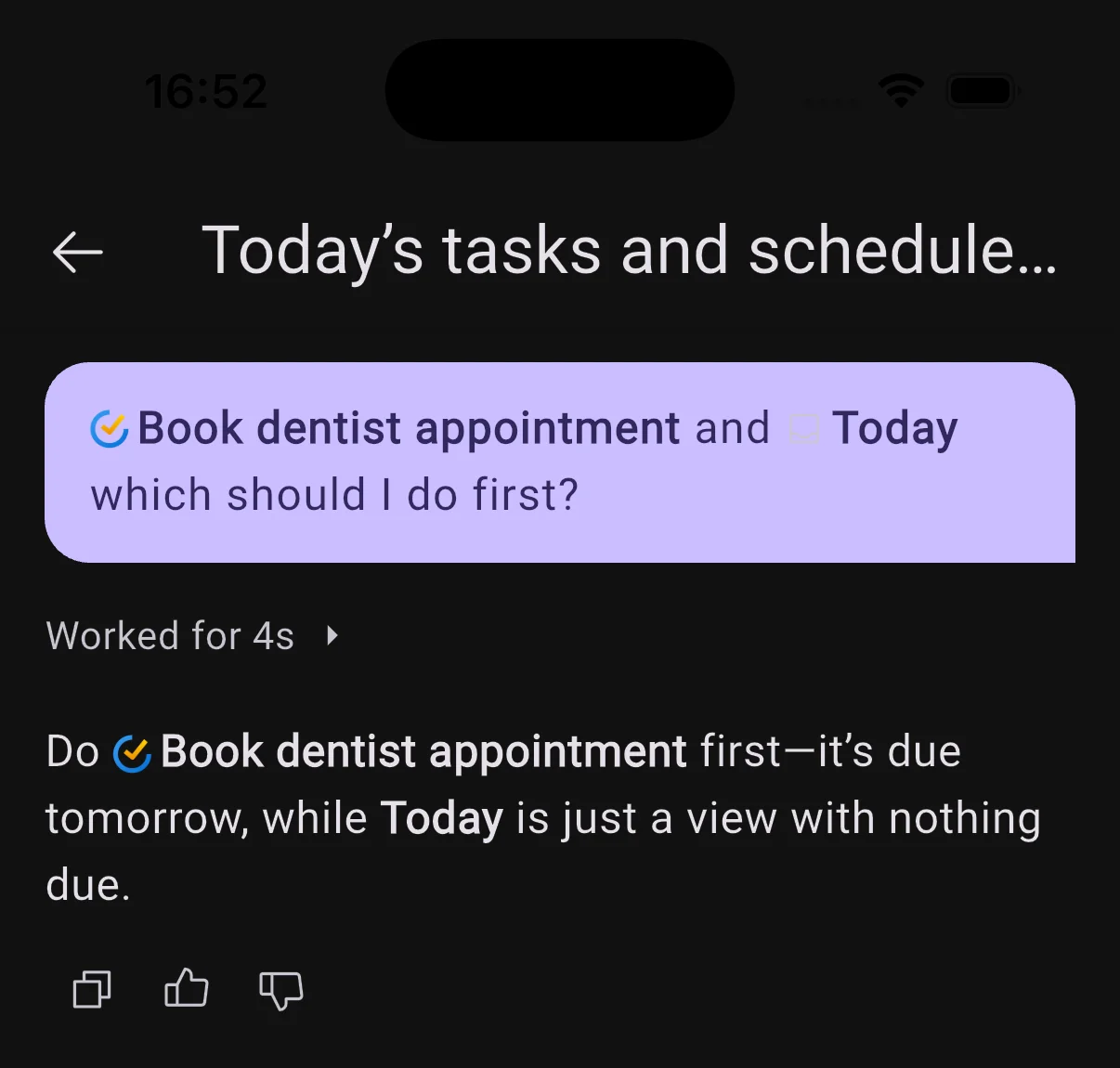
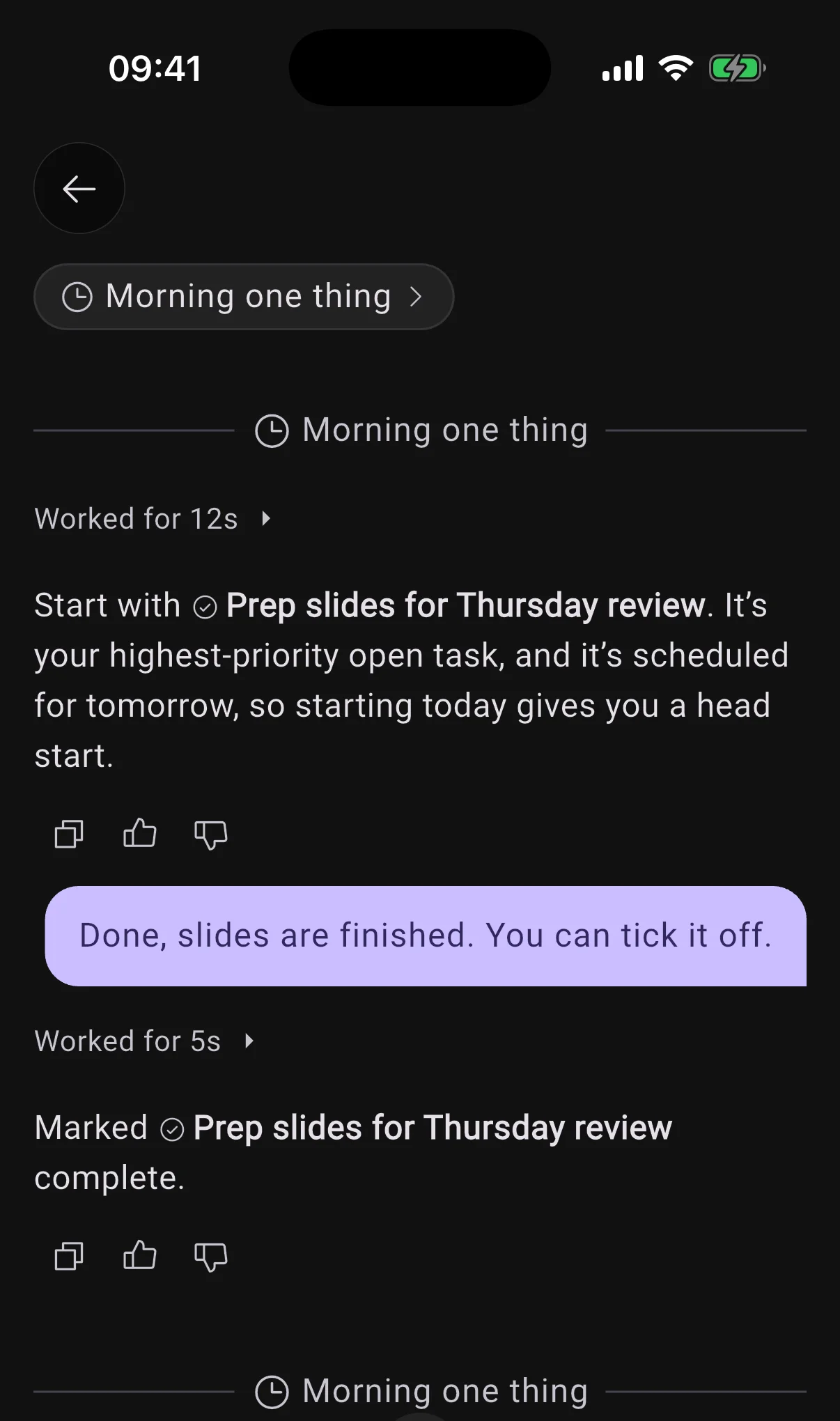
You now choose where an automation posts: in the conversation you set it up in, in one conversation of its own that every run continues, or in a new conversation each time. Just say which.
When it continues a conversation, each run reads what came before and you can reply right there. By default, a one-off answers in the chat you asked in, and a repeating one gets its own conversation, marked with a clock.
AI
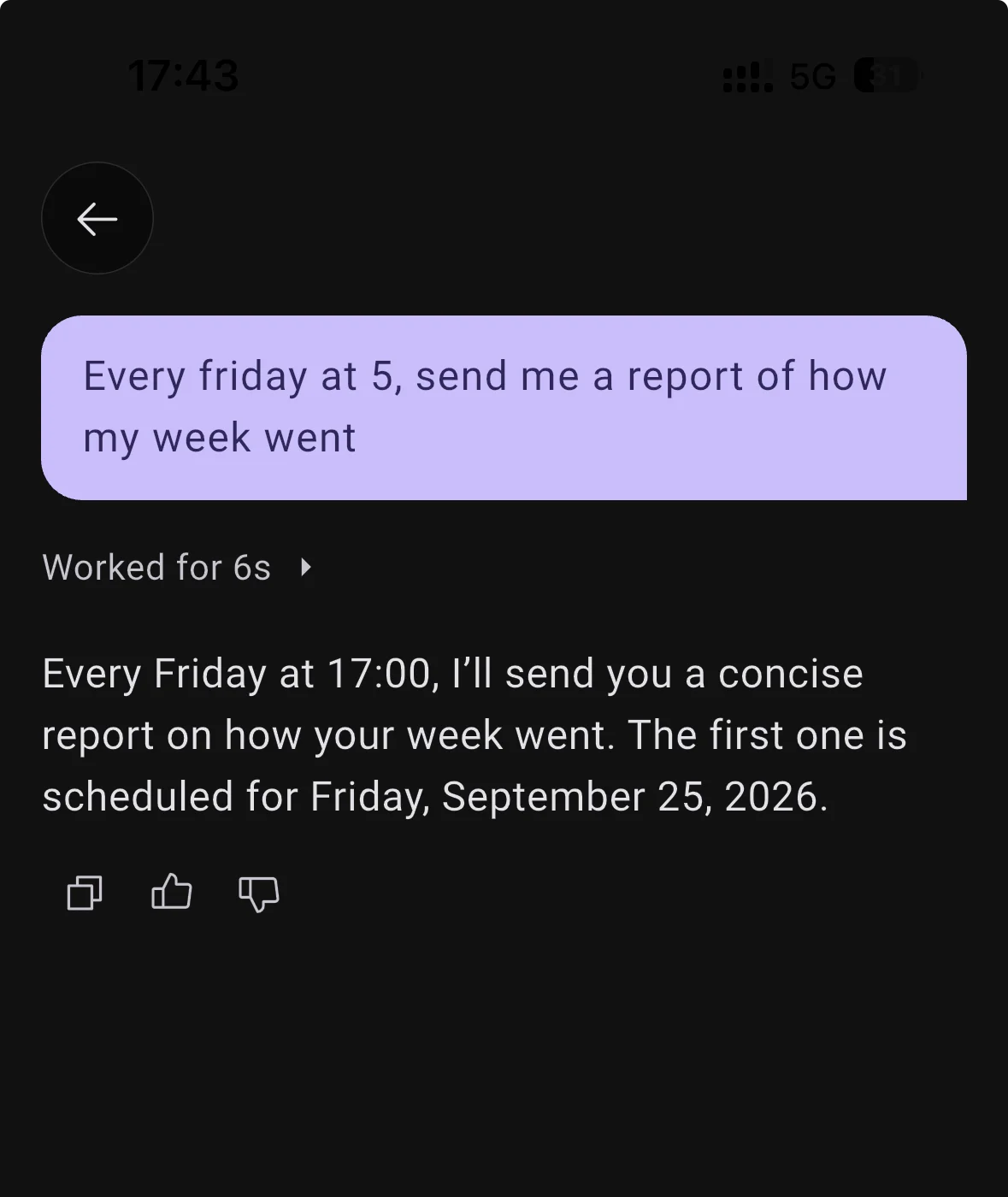
- "Every Friday, recap my week" now sets up an automation that does the work, instead of a repeating task that only reminds you to do it yourself.
UI
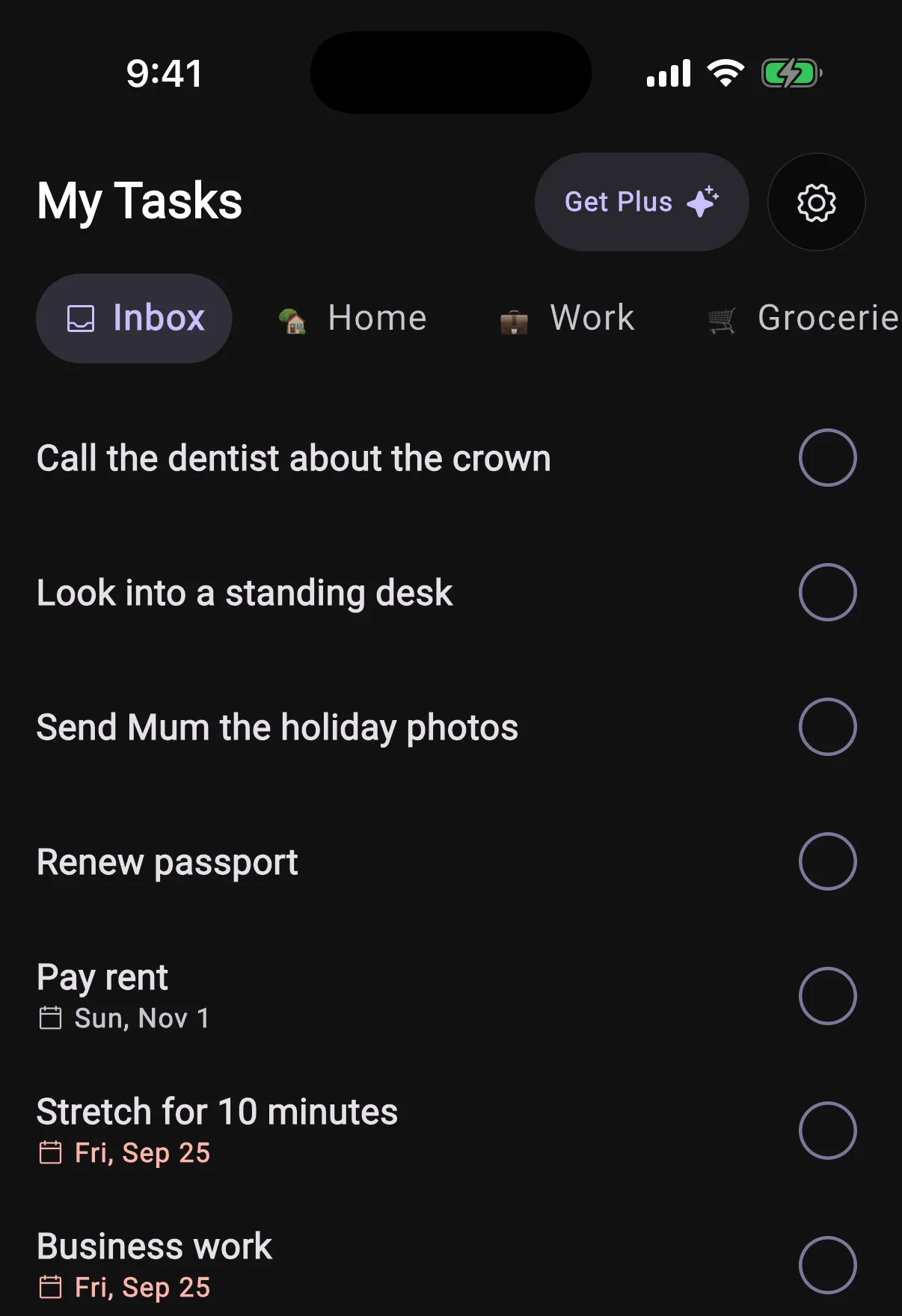
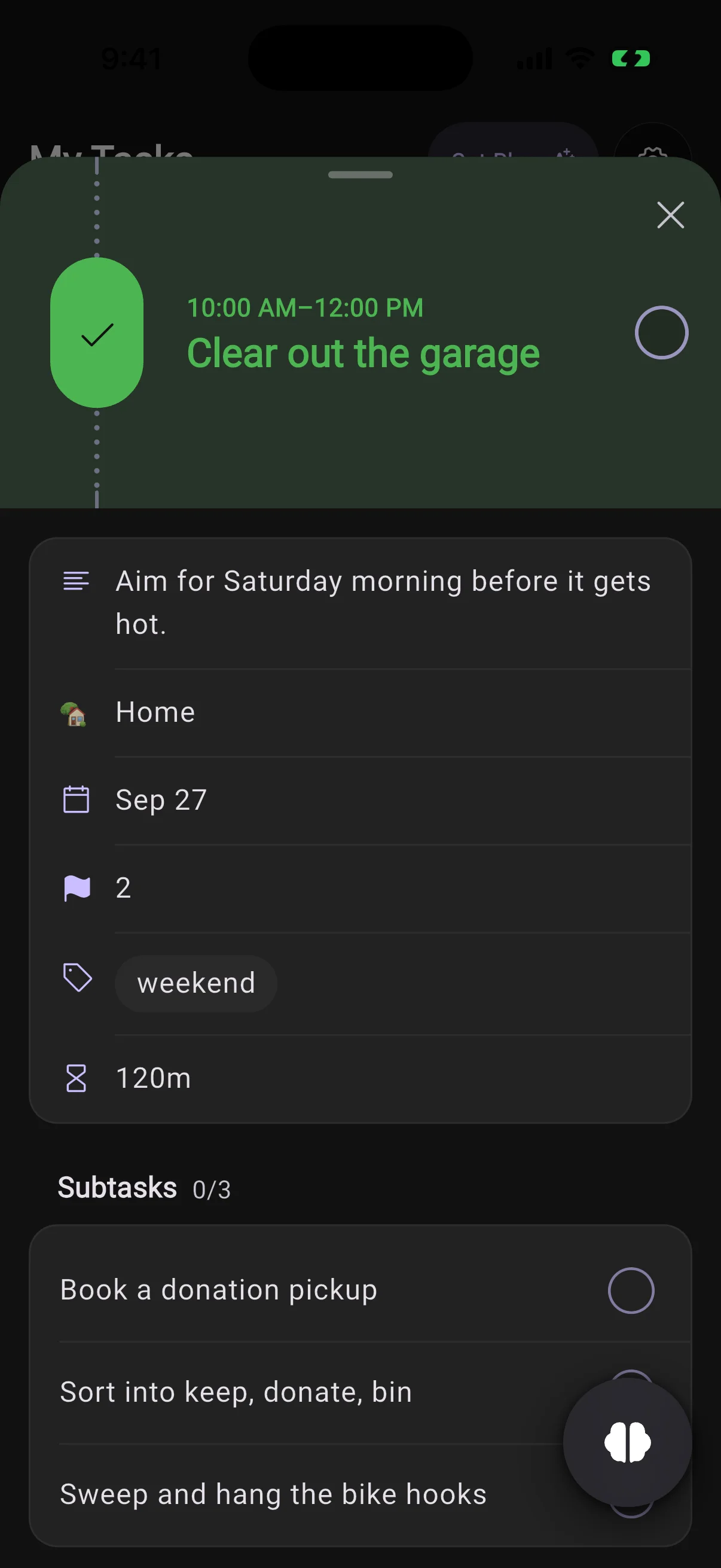
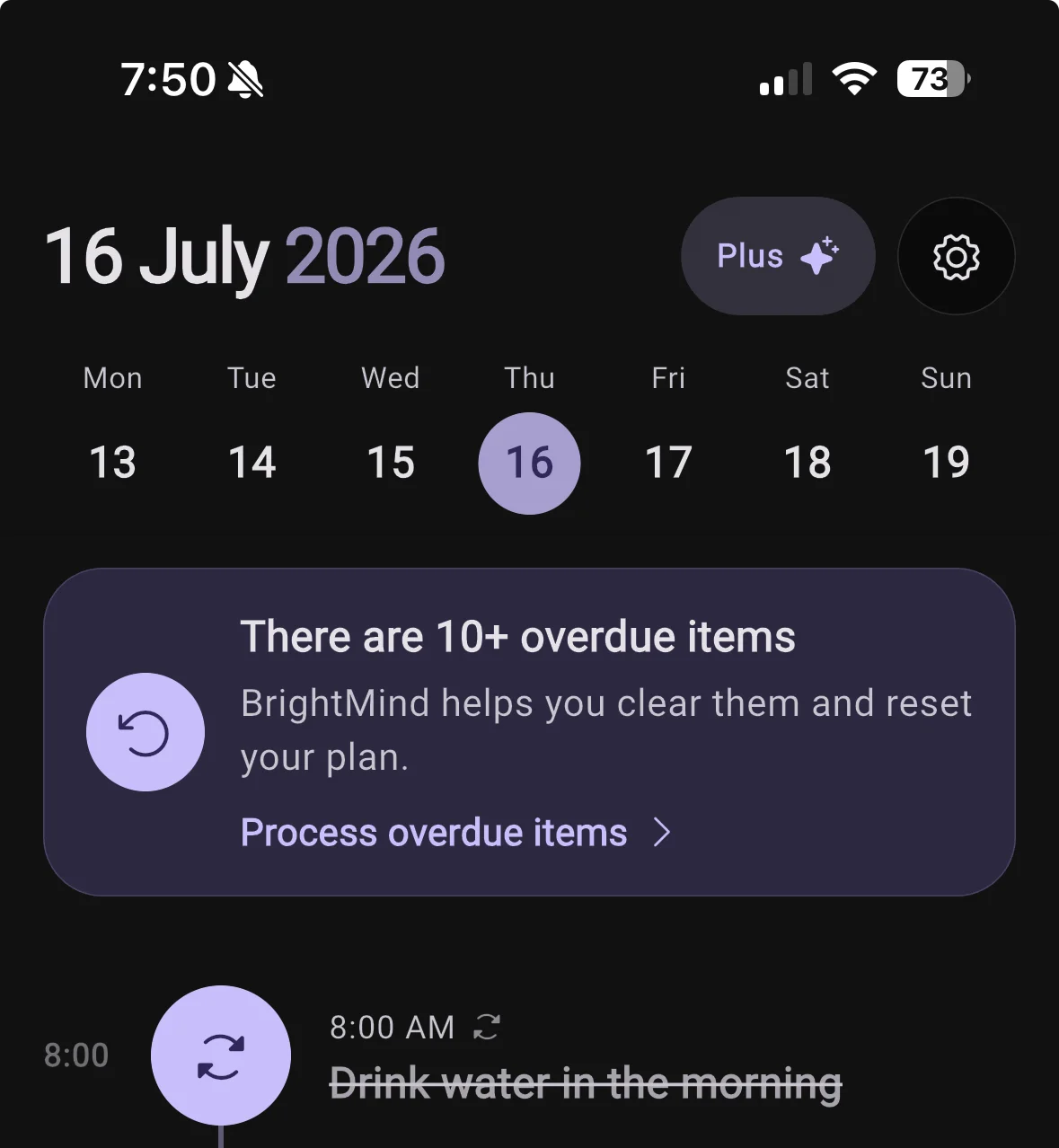
- The overdue sheet on Home works like the Tasks tab: tap a task to open it in the same sheet, and a tick stays undoable until you close it.
Calls
- Typing during a call sends the words to the call, and they never count against your messages.
- The keyboard clicking that played on a call while BrightMind worked is gone.
Calls
- Starting a call right after another one no longer opens the previous call's conversation.
- A call that ended because your voice minutes ran out now tells you so, and when they come back, instead of just hanging up.